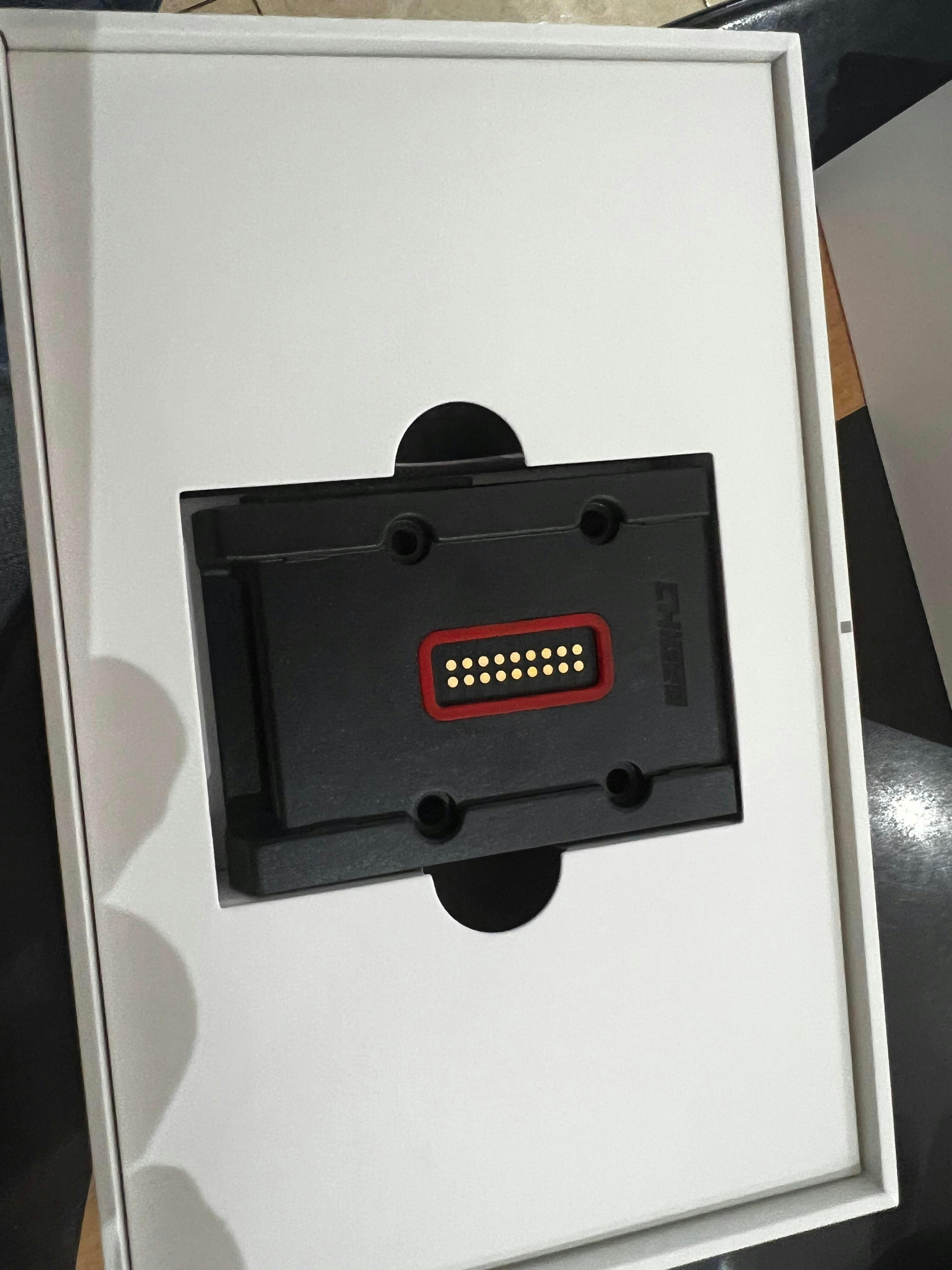
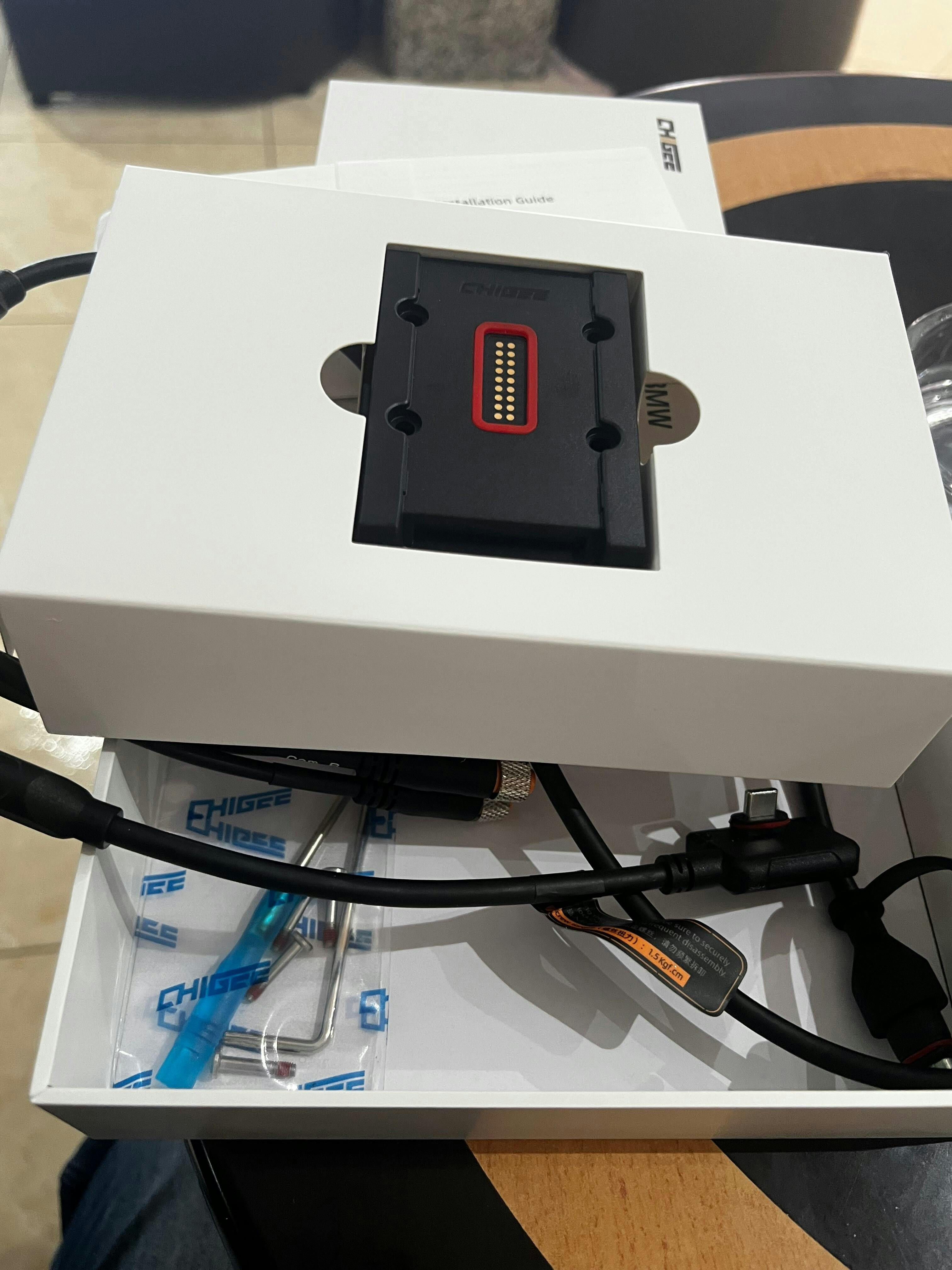
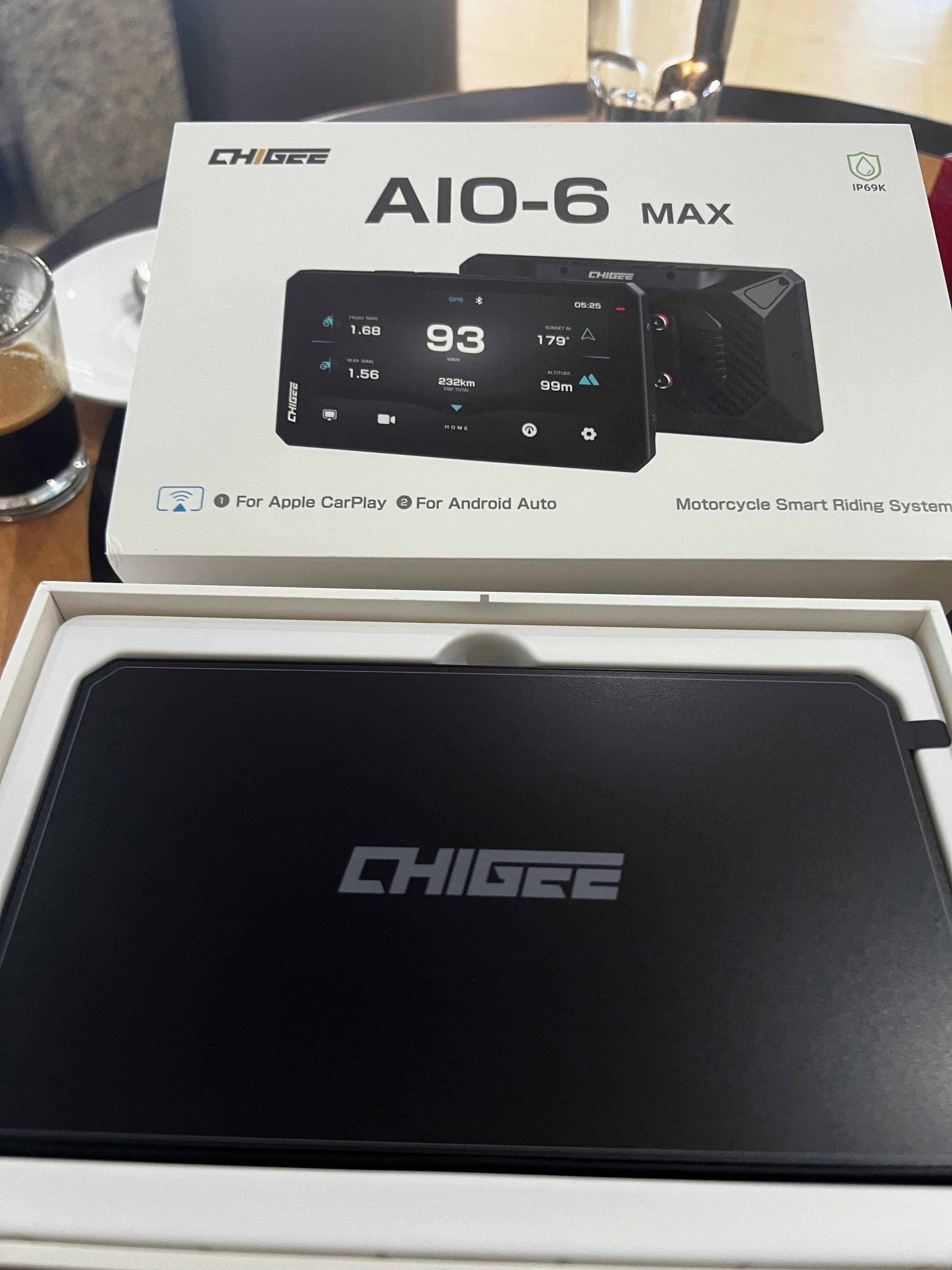
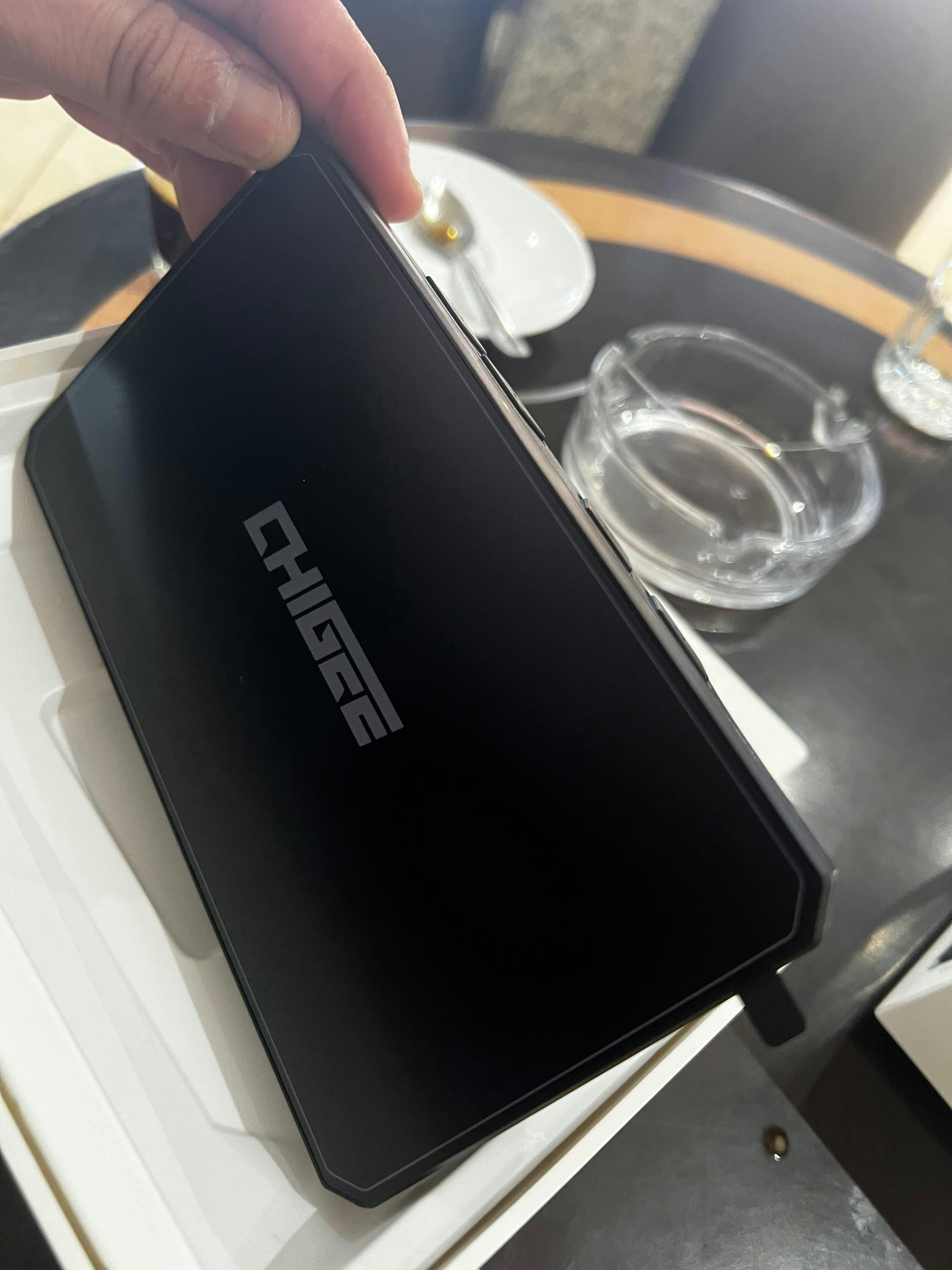
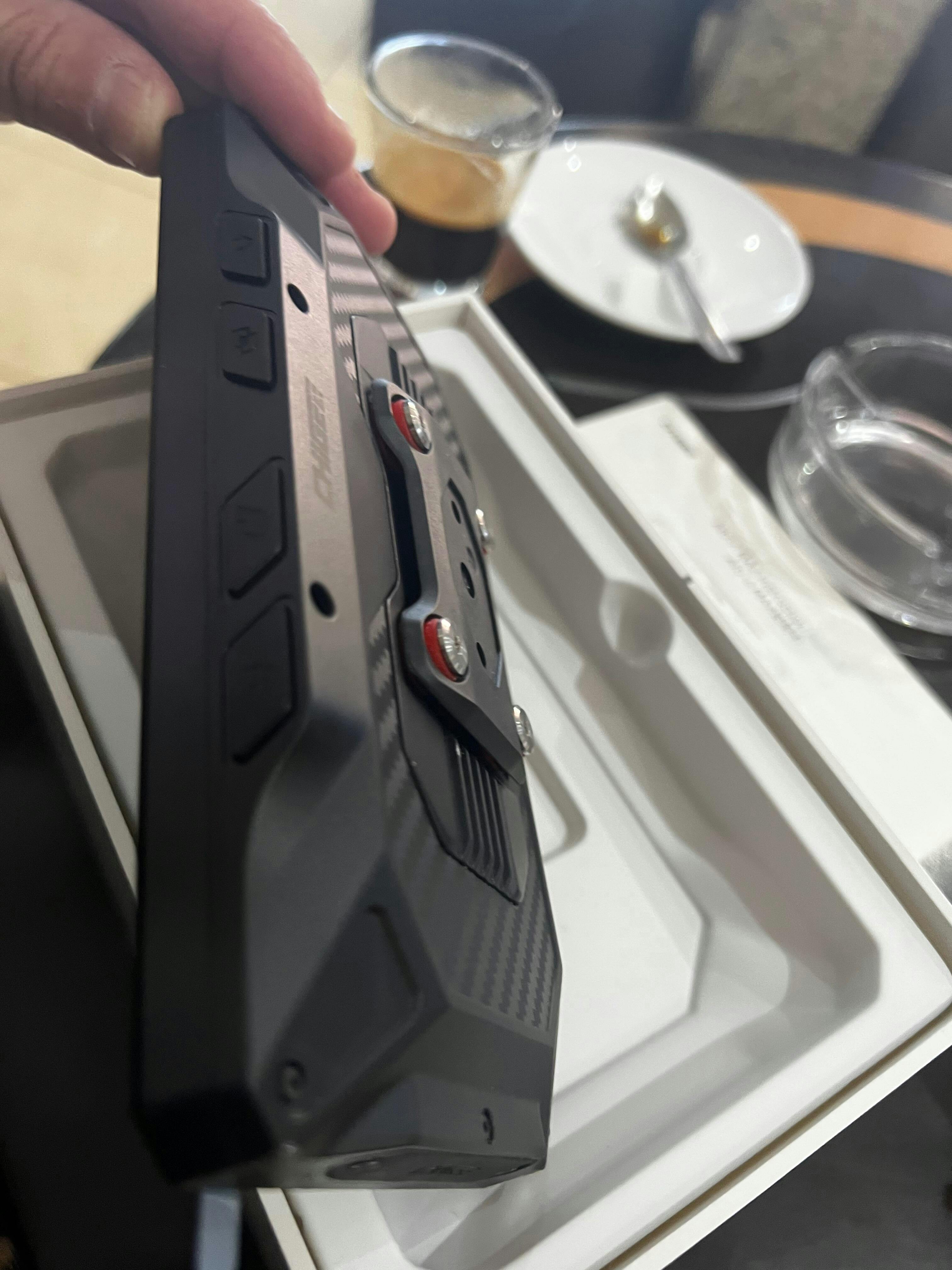
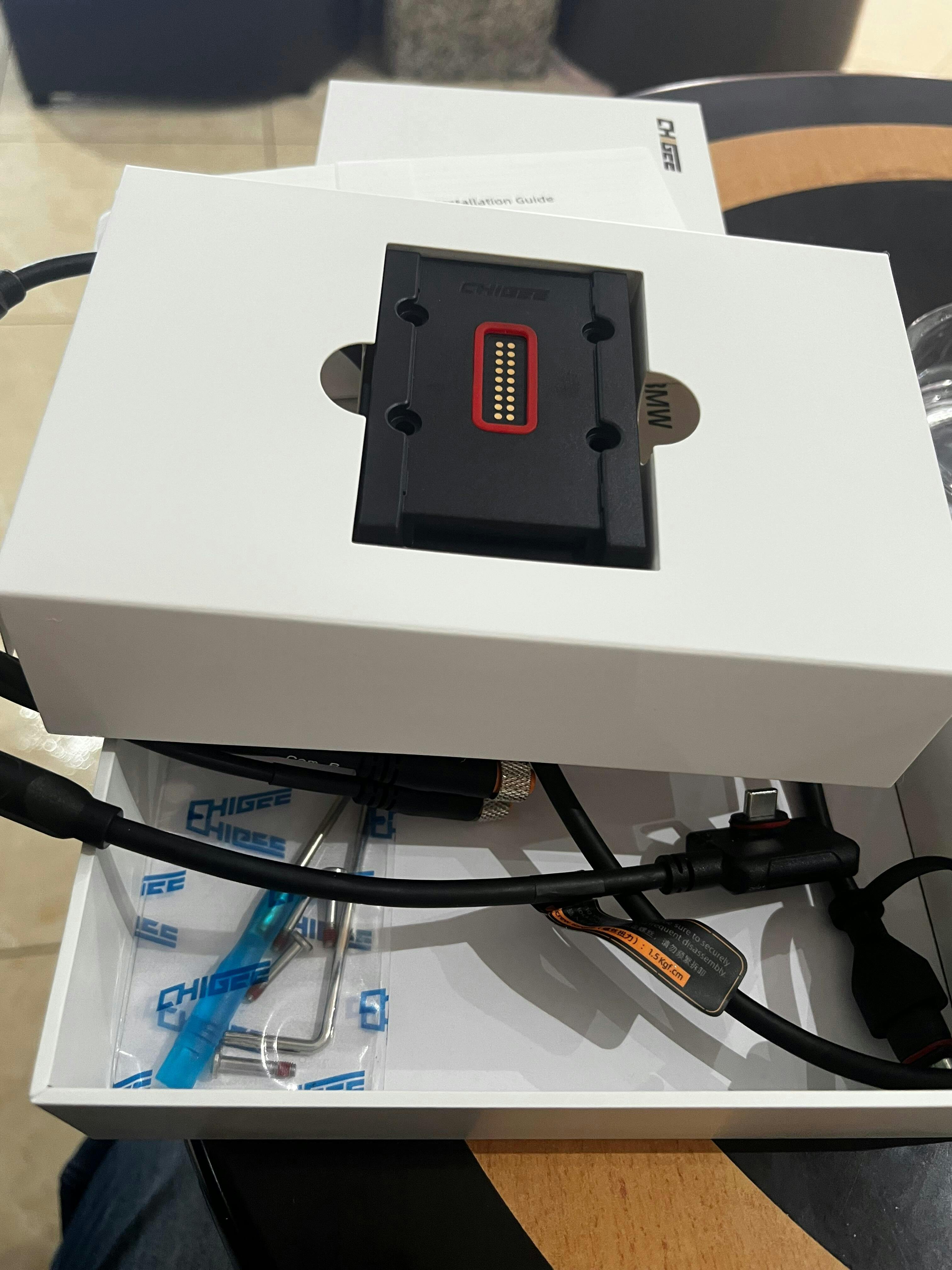
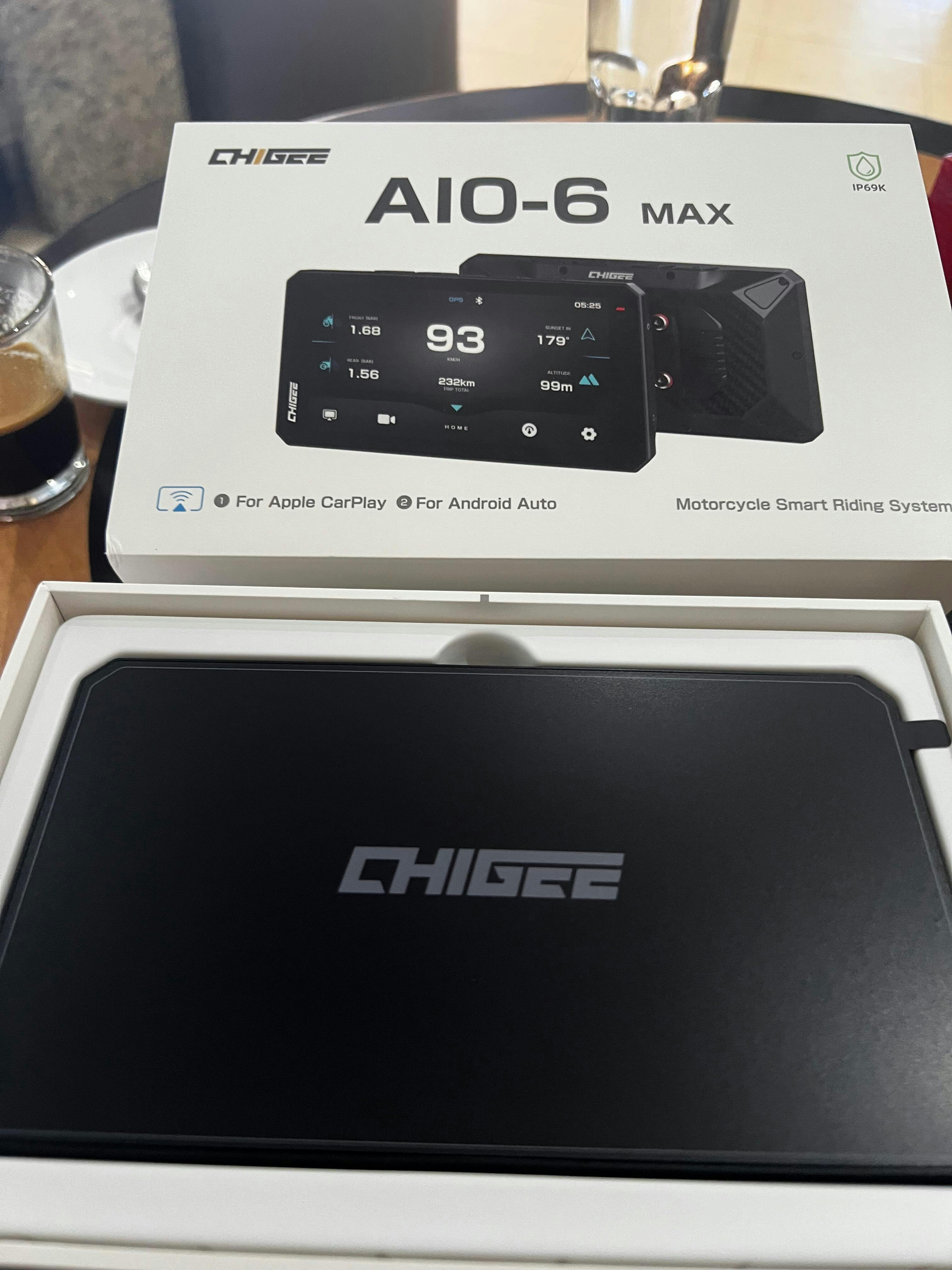
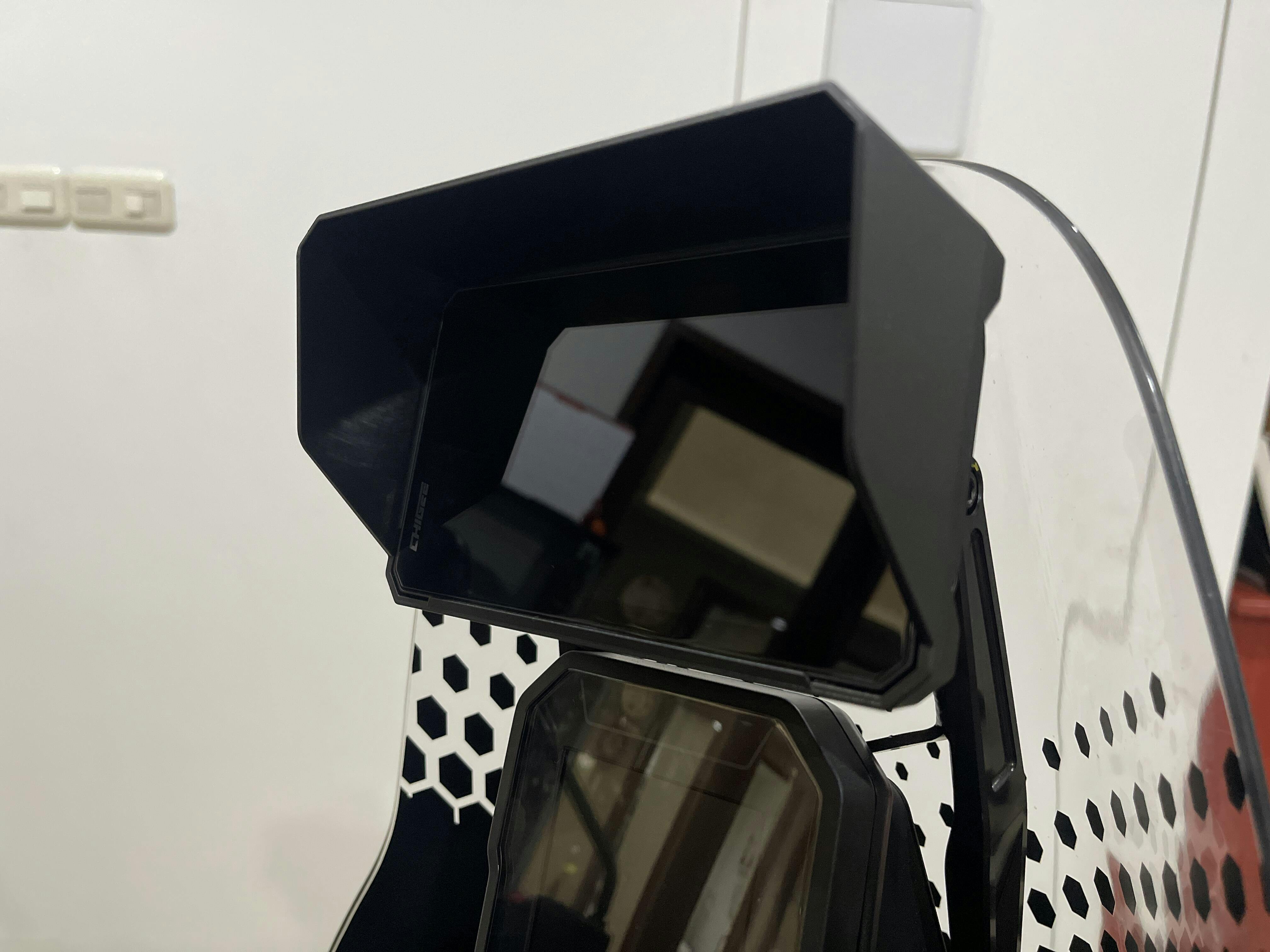
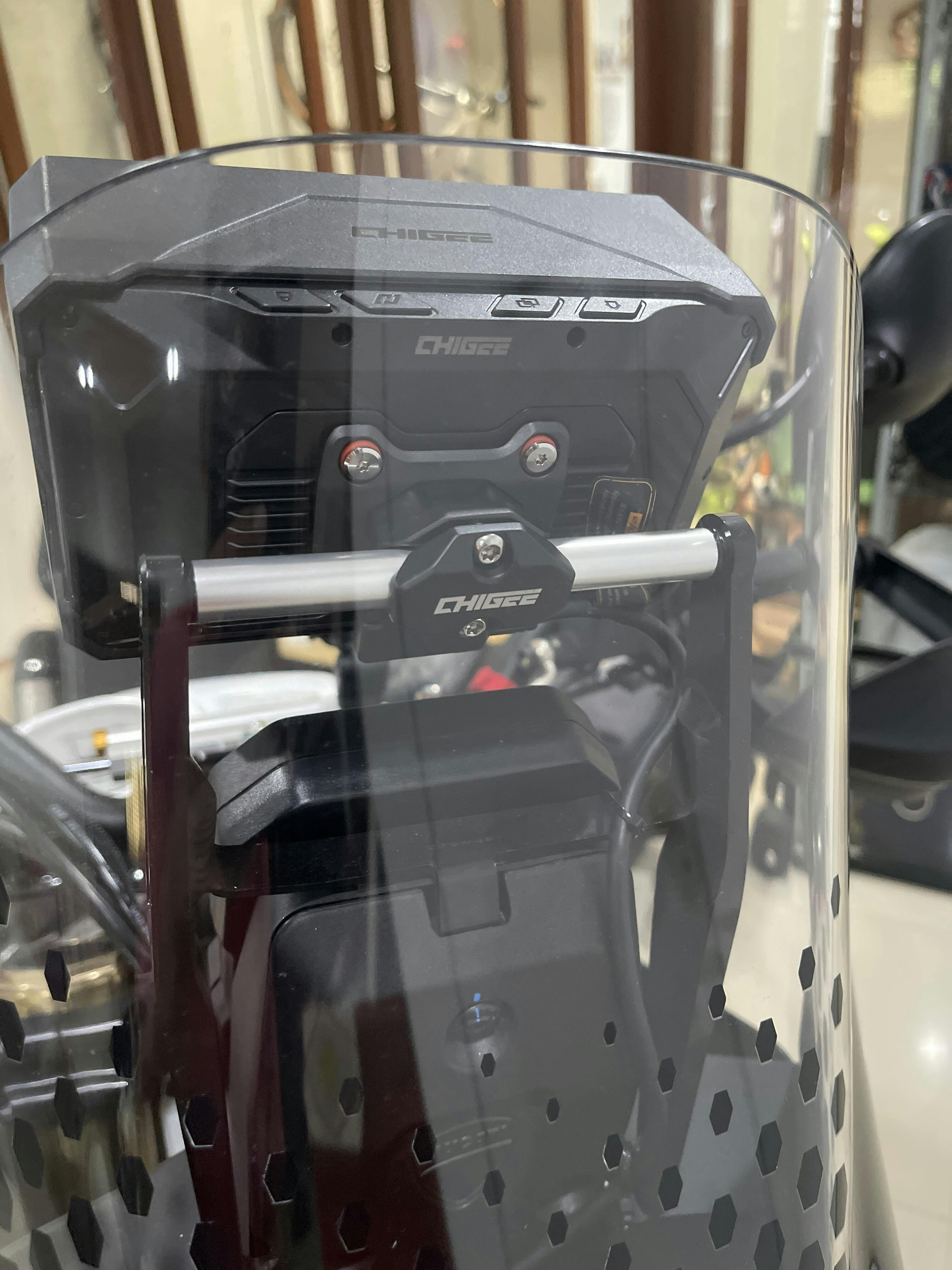
Affidabile, veloce e di qualità!
Très bon produit dans l’attente de l’installer sur ma moto et de profiter de son utilisation lors de mes prochains trios
Merci Chigee
Is AIO-5 Play for BMW compatible with my BMW?
The AIO-5 Play for BMW is specifically designed for motorcycles equipped with BMW’s Nav Prep 5/6 and BMW ConnectedRide Electric Keyless Mount. It connects directly to the Nav Prep cradle and is powered by your BMW’s electrical system. As long as your motorcycle has a BMW Nav Prep 5/6, the AIO-5 Play for BMW can be successfully powered on and used.
However, please be aware that on certain BMW models, some advanced functions may be limited due to differences in system software or BMW configuration. These limitations do not affect basic power supply or display operation but may impact specific features such as Wonder Wheel control or native data reading.
Please note that BMW motorcycles may have different configurations depending on the country and version, even for the same model year. For this reason, we recommend verifying compatibility based on your specific motorcycle.
For example, through our testing, we found that the 2015 BMW R1200R was originally produced without a Wonder Wheel. Therefore, we’ve marked "Native Wonder Wheel control is not available" for this model in our compatibility chart.
However, if your 2015 R1200R does have a Wonder Wheel, we suggest using the 2016-2017 R1200R as a reference. A good approach would be to purchase the AIO-5 BMW version first, install it, and test whether Wonder Wheel control works on your bike.
If Wonder Wheel control is not functional, you can then consider purchasing the CGRC CAN module or contacting your BMW dealer to activate SA 272.

To enable Wonderwheel control through the CHIGEE Display, your BMW must have “Preparation for navigation system (SA 272)” activated. The “Native Wonderwheel Control” listed in the compatibility table assumes SA 272 is active.
However, we’ve found that some BMW motorcycles are delivered without SA 272 activated from the factory. Please refer to this page to learn how to activate it.
You can also choose to purchase the CGRC CAN module to enable Wonderwheel control, regardless of your SA 272 status — see the compatibility table for details.
Tip:
Native data access is made possible by transferring ECU data from BMW Nav Prep 5/6 to the CHIGEE device.
However, for certain models — especially pre-2017 — the required BMW data may not be present on the LIN bus. In such cases, the CHIGEE Display cannot access this data, even if Nav 5/6 is installed.
If your BMW is listed as supporting “Native data access” but you're still unable to read data:
If only partial data is shown, this means your BMW is transmitting limited information. The CHIGEE Display can only display what your BMW provides — it cannot control or expand the data stream.
The Chigee Display alone does not support native Wonderwheel control – you’ll need to purchase the CGRC CAN module to enable this feature.
However, since the Wonderwheel is originally designed for the BMW instrument cluster, K1600 and RT Series models may experience simultaneous control of both systems due to their unique control logic
👉 Please review the limitations on this page before purchasing the CGRC CAN.
If your BMW has a 3-pin navigation interface but is not equipped with Nav Prep, you can still make your motorcycle compatible with the AIO-5 Play BMW version. Simply purchase and install an original BMW Navigator cradle (Nav Prep 5/6) yourself. This will allow the AIO-5 Play to integrate seamlessly with your bike and unlock its full feature set.
⚠️ Please make sure to purchase a genuine BMW Nav Prep 5 or 6 to ensure proper functionality.
Both CGRC CAN and CGRC LIN are specifically designed for BMW motorcycles.Please note: OBD modules are not compatible with BMW bikes.
CGRC CAN
CGRC LIN